 Free & open source · a community alternative to Pax Historia
Rewrite history,
one decision at a time.
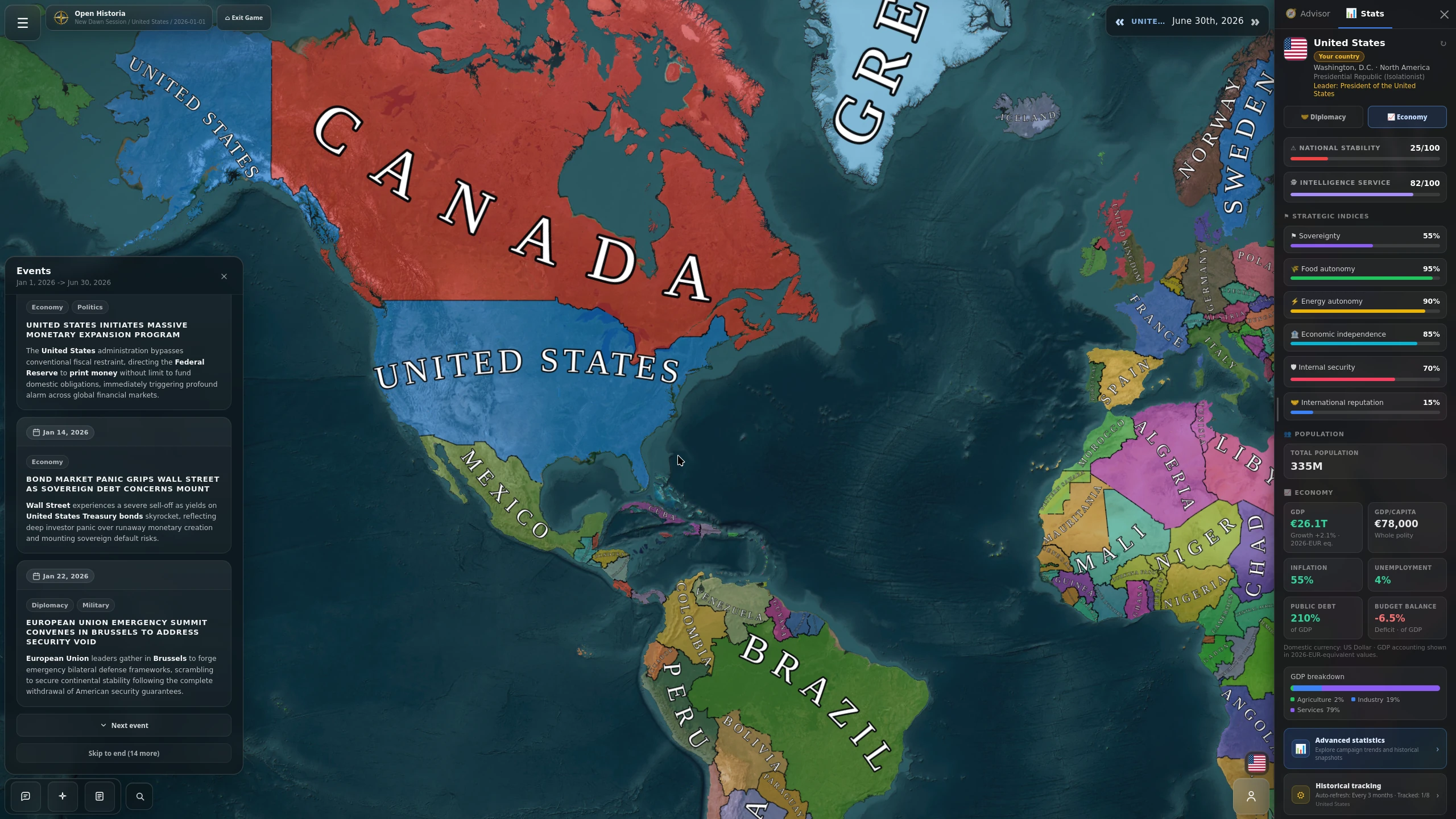
Open Historia is an AI-driven turn-based strategy game. Lead any nation on a living world map, act in plain language, and watch an AI simulate the consequences — wars, diplomacy, and borders that actually shift.
The browser version is a demo — it streams the world map over the network, so expect lag. The desktop app runs locally and is how the game is meant to be played.
Open Historia is an independent, open-source project and is not affiliated with, endorsed, sponsored, approved, or authorized by Pax Historia. Pax Historia has no involvement in the development, operation, or distribution of Open Historia. Pax Historia™ and all associated trademarks, trade names, and logos are the exclusive property of Pax Historia.
Up and running in minutes
Three steps to play
No accounts, no store, no build tools to wrangle. Download the app for your system, open it, and play.
Download
Pick the download for your system: an installer on Windows, a zip on macOS, a .deb package on Linux (AppImage below it for everything else).
Open it
Run the installer on Windows, or drag the app to Applications on macOS. Nothing else to set up — the app brings everything it needs with it.
Play
Open Historia opens in its own window. The world map downloads once, with a progress bar, then you pick a scenario and start reshaping history.
Downloads
Pick your platform
Desktop is the full experience. The Android app plays on its own — nothing to run alongside it.
Windows
An ordinary installer. Run it and Open Historia lands in your Start Menu like any other app — no Node.js, no setup script, no terminal window. The world map downloads itself the first time you open it.
⬇ Download InstallermacOS
Unzip and drag Open Historia to your Applications folder. First launch: right-click it and choose Open — the app isn't code-signed yet, so macOS asks once.
⬇ Apple Silicon ⬇ IntelLinux
One portable file that runs on essentially any distribution. Make it executable and launch it — nothing to install, no packages to add.
⬇ Download .deb ⬇ Download .AppImageAndroid app
Install it and play, even offline. Your games, the scenario workshop and the whole world map are on the phone — no server to run, no download after install, nothing to set up.
⬇ Download APKAlready installed? Download the newest build and run it over the top — your saves and scenarios are kept. · All releases
What you can do
A whole world to run
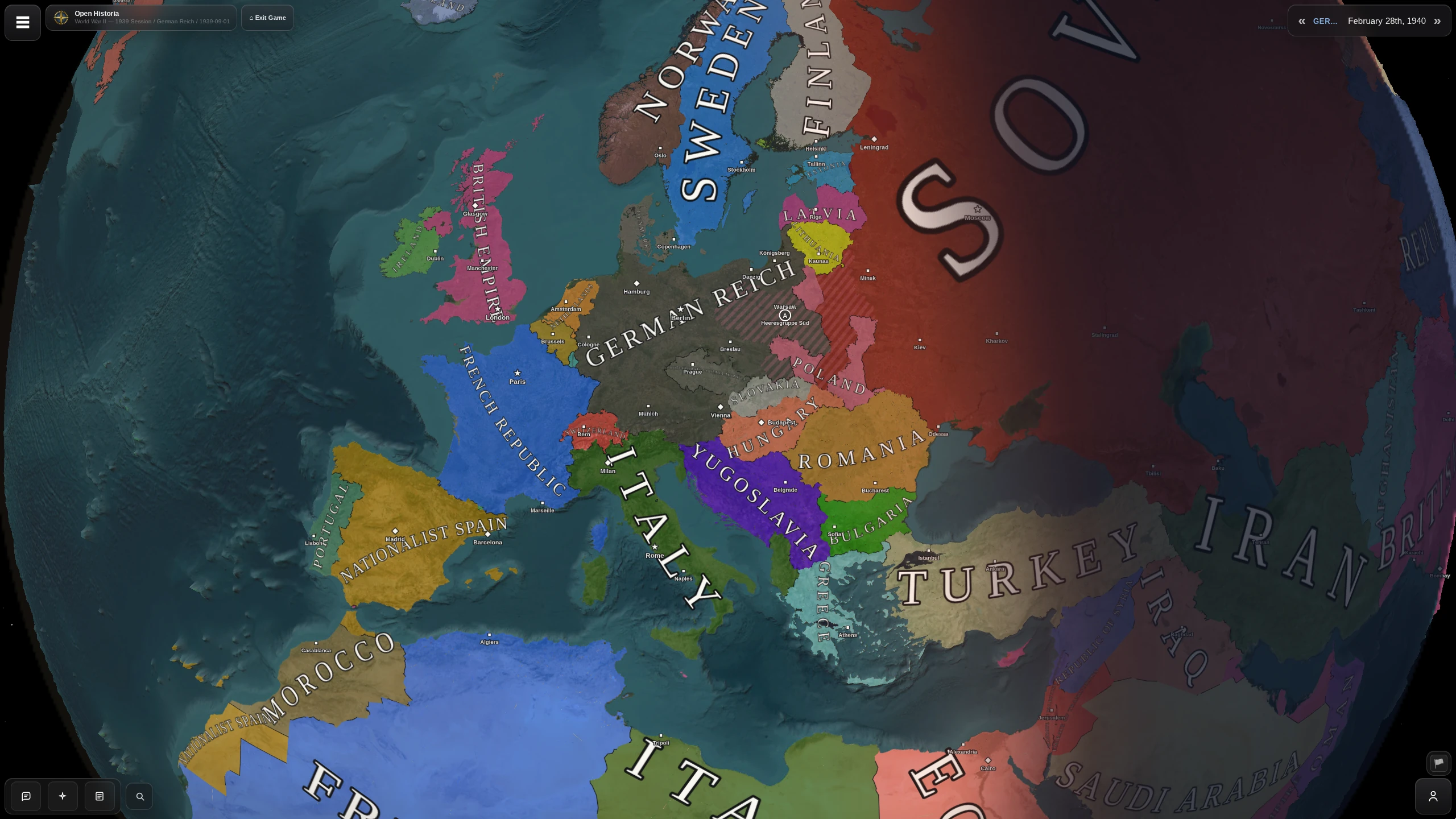
Living world map
Watch territory, borders, and nations shift turn by turn as history unfolds.
AI-generated events
Dynamic events shaped by your decisions and the real state of the world.
Natural-language diplomacy
Click any country to negotiate, threaten, or ally through open-ended chat.
Troops & warfare
Deploy and maneuver armies; the AI resolves fronts and moves the borders.
Built-in map editor
Draw regions, paint owners, place cities — build a world and hit Apply & Play.
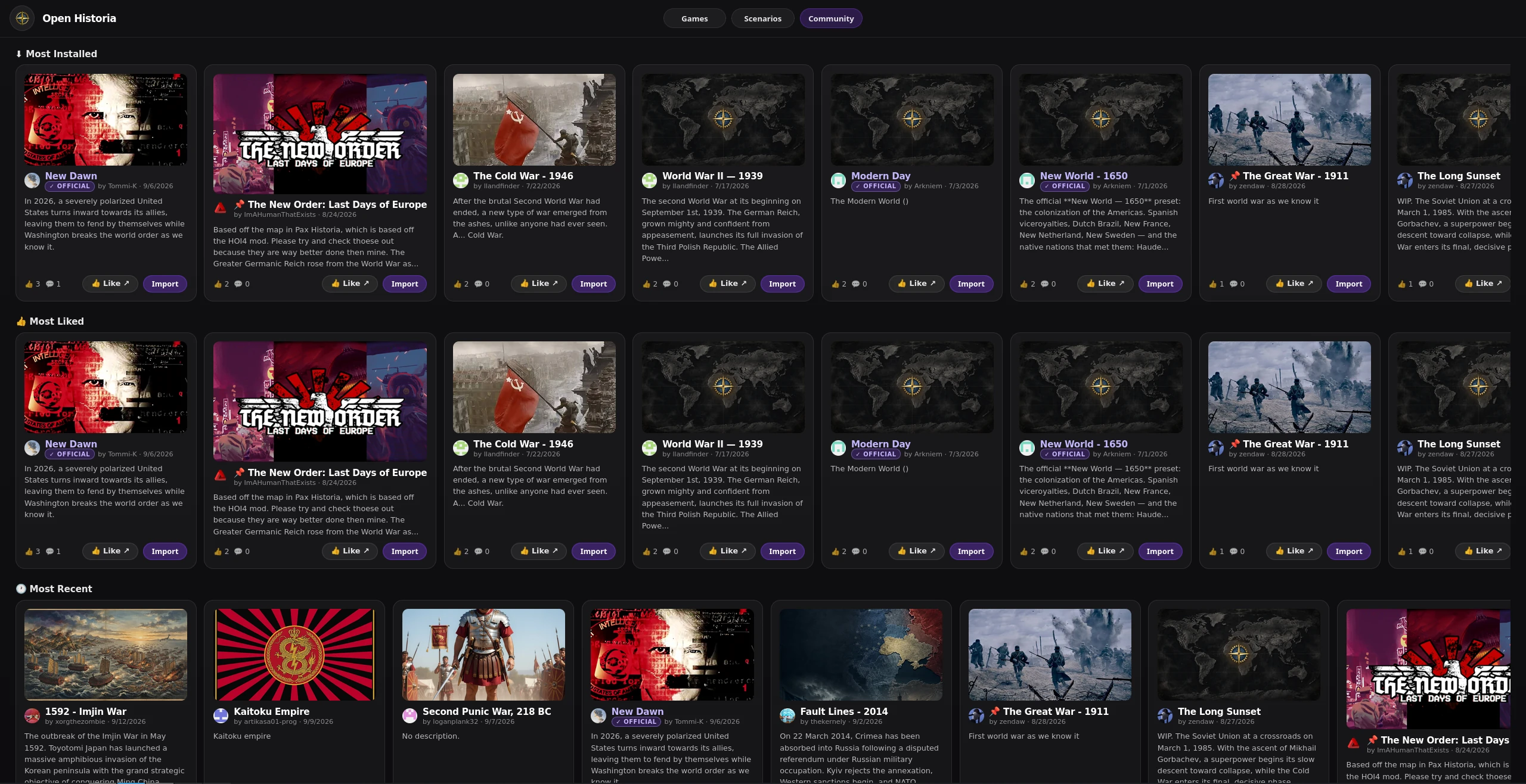
Scenario hub
Browse and import community scenarios in-game, or publish your own.
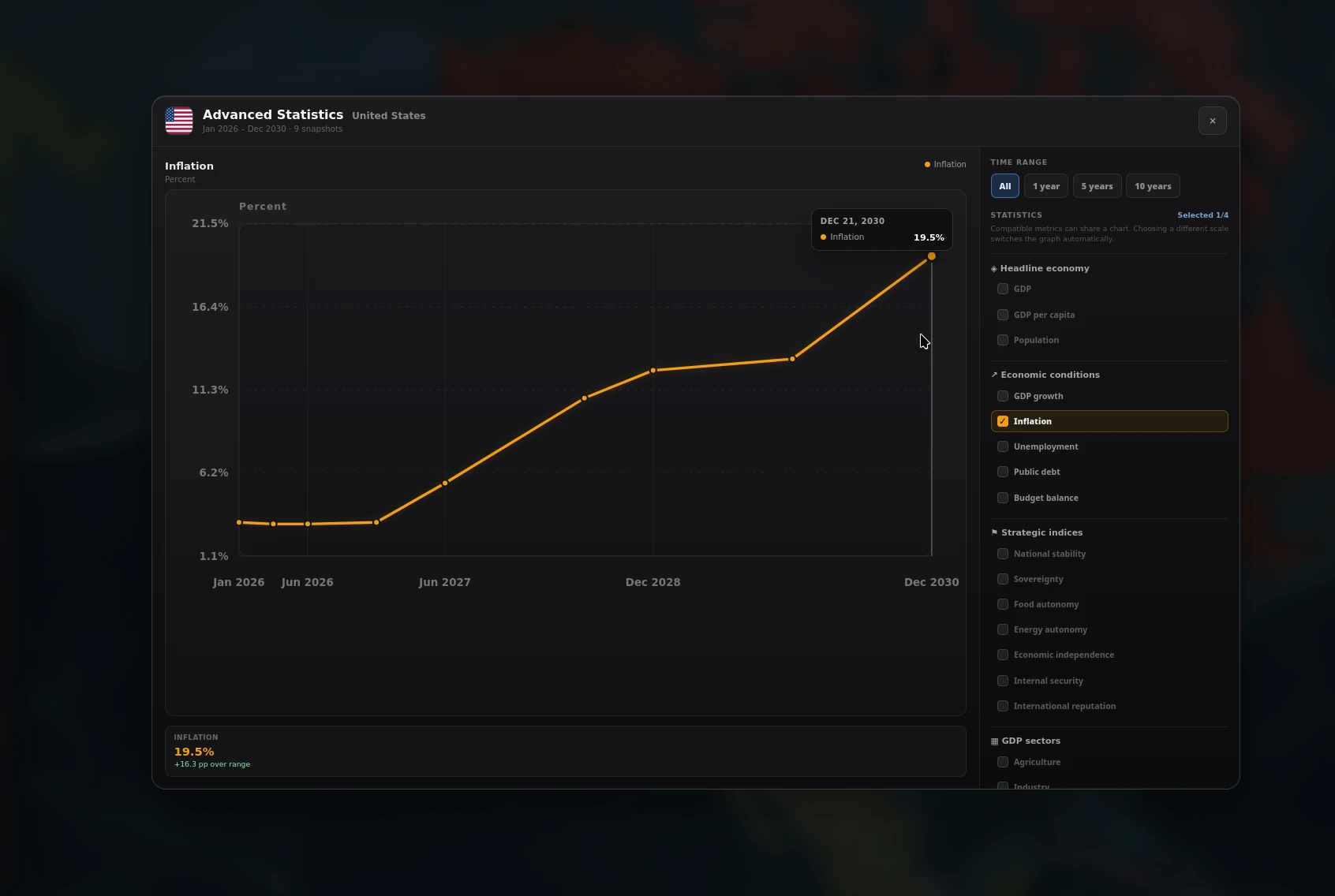
Strategy advisor
Consult an AI advisor for guidance, economic analysis, and situation briefings.
Runs on your machine
Self-hostable and local-first — it runs at localhost, with your own AI backend.
Free & open source
AGPL-3.0 licensed and community-built. Fork it, mod it, ship it — as long as your changes stay open too.
Grow the network
Host a server node
Run a small node on your own device to help players load the world map faster. It's deliberately safe: a node only ever serves read-only map data, verified byte-for-byte by checksum. It never touches anyone's games, accounts, or AI keys, and never runs their code — so it can't be turned against players.
Install in one click
Download the node and run install.bat (Windows) or install.sh (macOS/Linux). It sets everything up and downloads the verified map content for you.
Put it online
Expose it over HTTPS — a free Cloudflare Tunnel is easiest (no open ports, hides your IP). The README walks you through it step by step.
You're live
Your node registers itself and starts serving straight away — no waiting, no extra steps on your side. Players only ever use nodes listed in the project's signed directory, and an admin can pause or remove any node from it at any time.
Trust is in the checksum and the project's signature — never in the node itself.
Good to know
Questions & requirements
Do I need to install anything else?
Just Node.js, and the launcher offers to install it for you if it's missing (via winget on Windows, Homebrew on macOS, or your package manager on Linux). Everything else — including all map data — ships inside the download.
Is it really free?
Yes. Open Historia is free and open source under the GNU AGPL v3. The AI features connect to an AI backend you configure — see the README or ask in Discord for setup help.
Where does it run — is my data uploaded?
The game runs locally on your own machine and opens in your browser at localhost:3000. Your saves and scenarios stay on your computer.
How do I update later?
Run the Update Open Historia script that comes with your install — it fetches the latest version while preserving your saves, scenarios, and map data. You can choose the Stable or Beta channel when updating.
What about mobile?
Download the Android APK and open it — that is the whole setup. Your games live on the phone and the world map is kept there after it downloads the first time, so there is no server to run and nothing to point it at.
Can I help by hosting a server?
Yes! Running a content node caches the game's map data and serves it to nearby players, so everyone loads faster. It's a one-click install and completely safe — a node only serves read-only, checksum-verified map files and never touches games, accounts, or API keys. See Host a server node.
Ready to change history?
Download once, run the launcher, and you're playing.